Your RC Hobby. Organized. Everywhere.
Models. Components. Batteries. Setups. Maintenance. Checklists. Sessions.
One app. Every device.
iPhone & iPad • Android • Windows • Mac — free to start
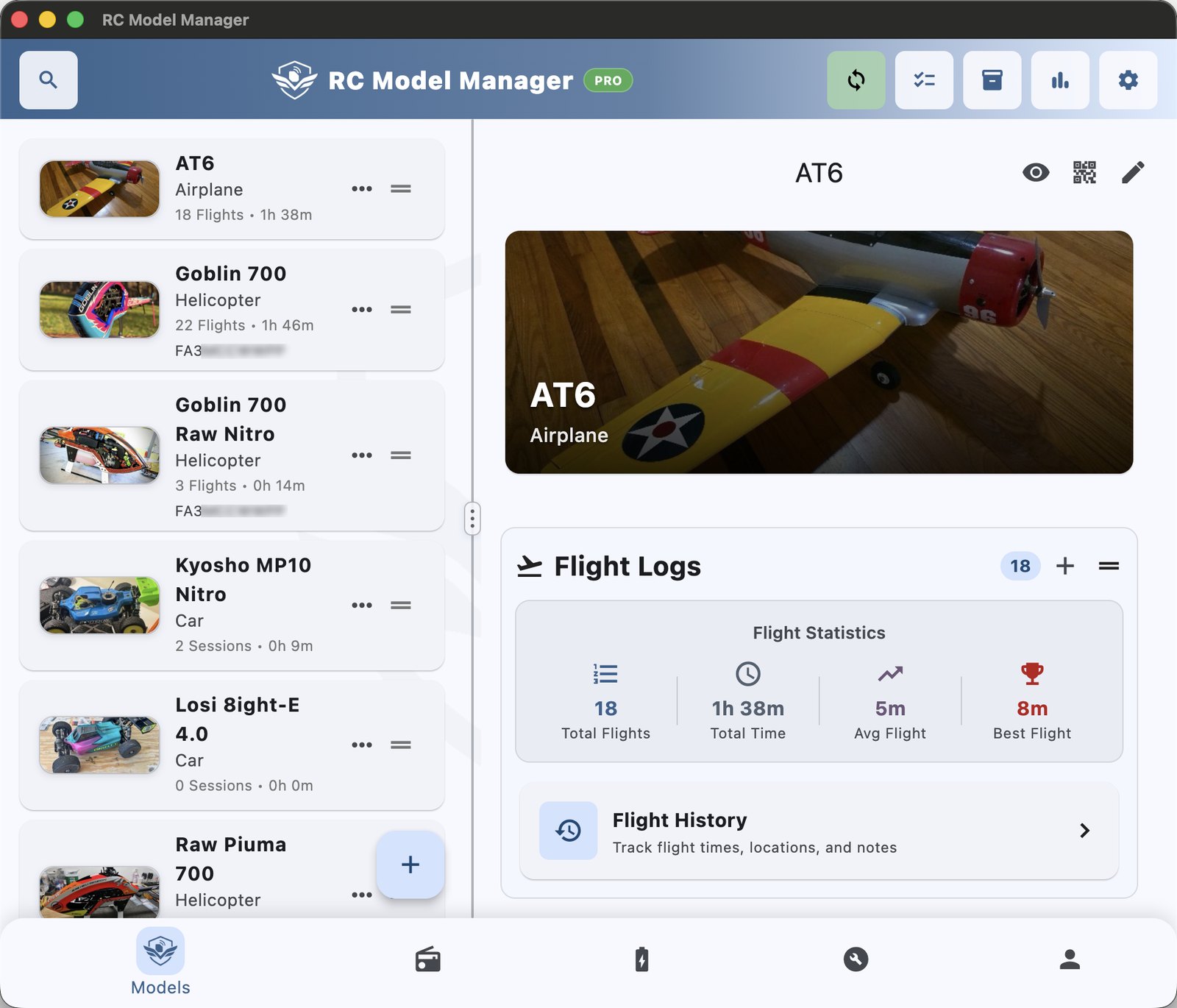
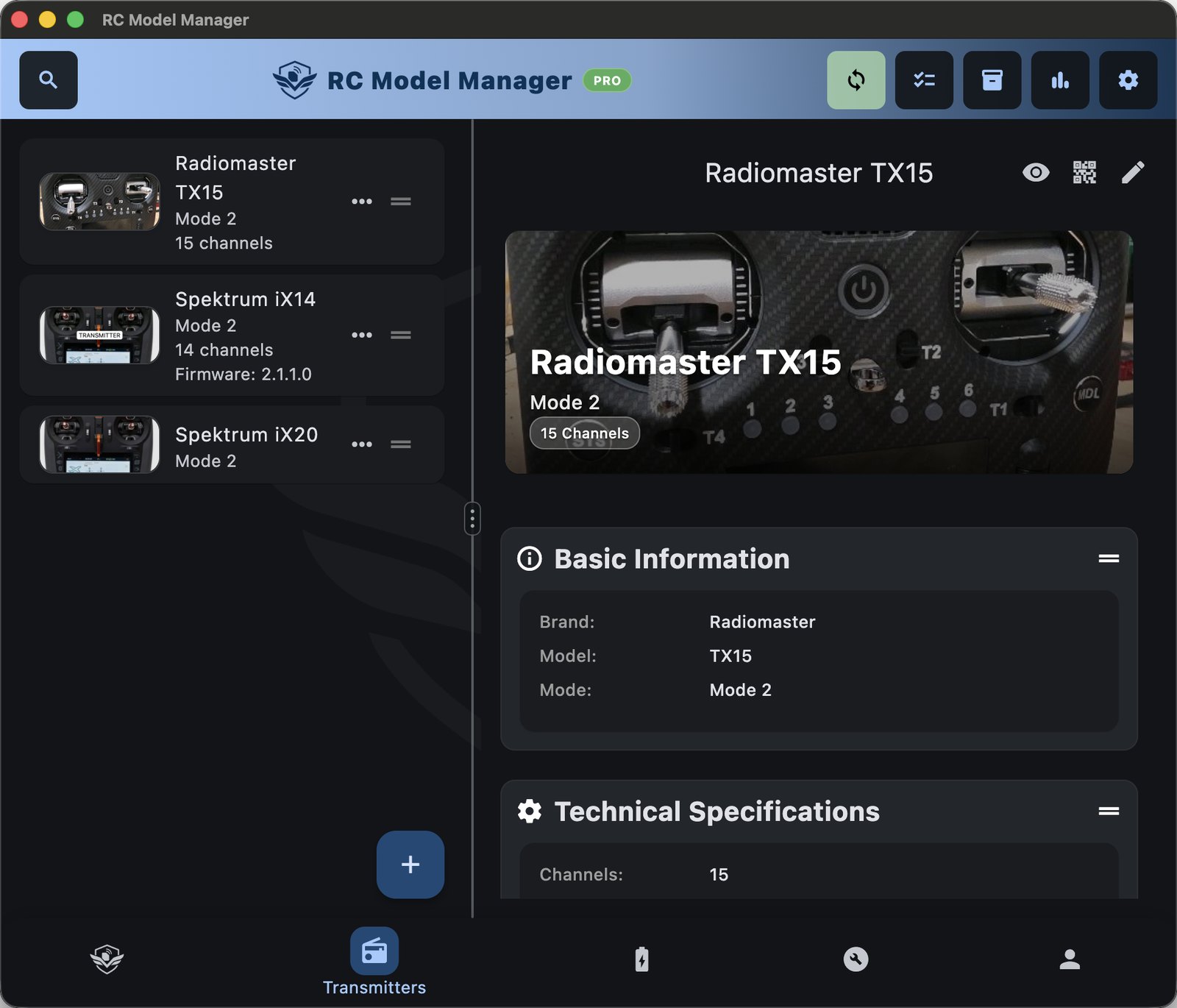
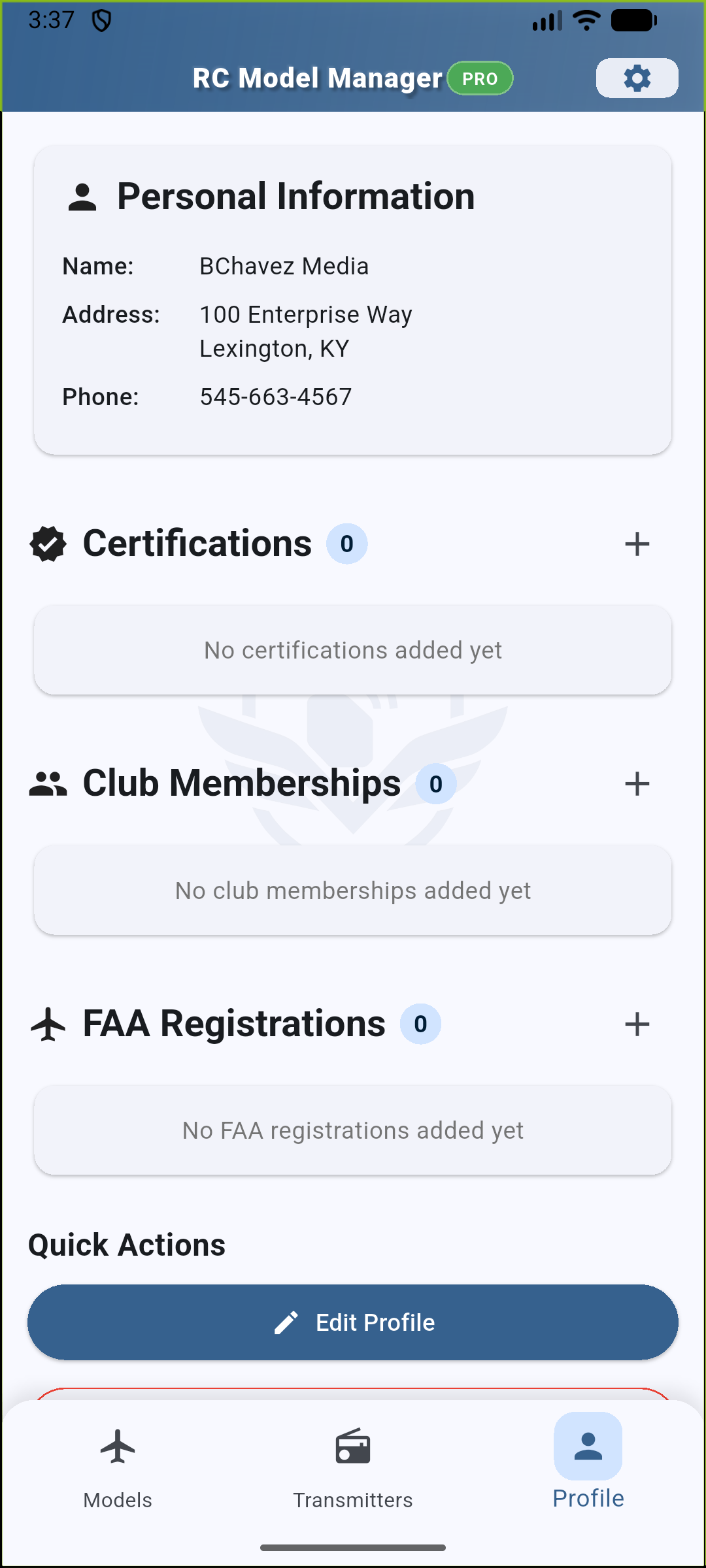
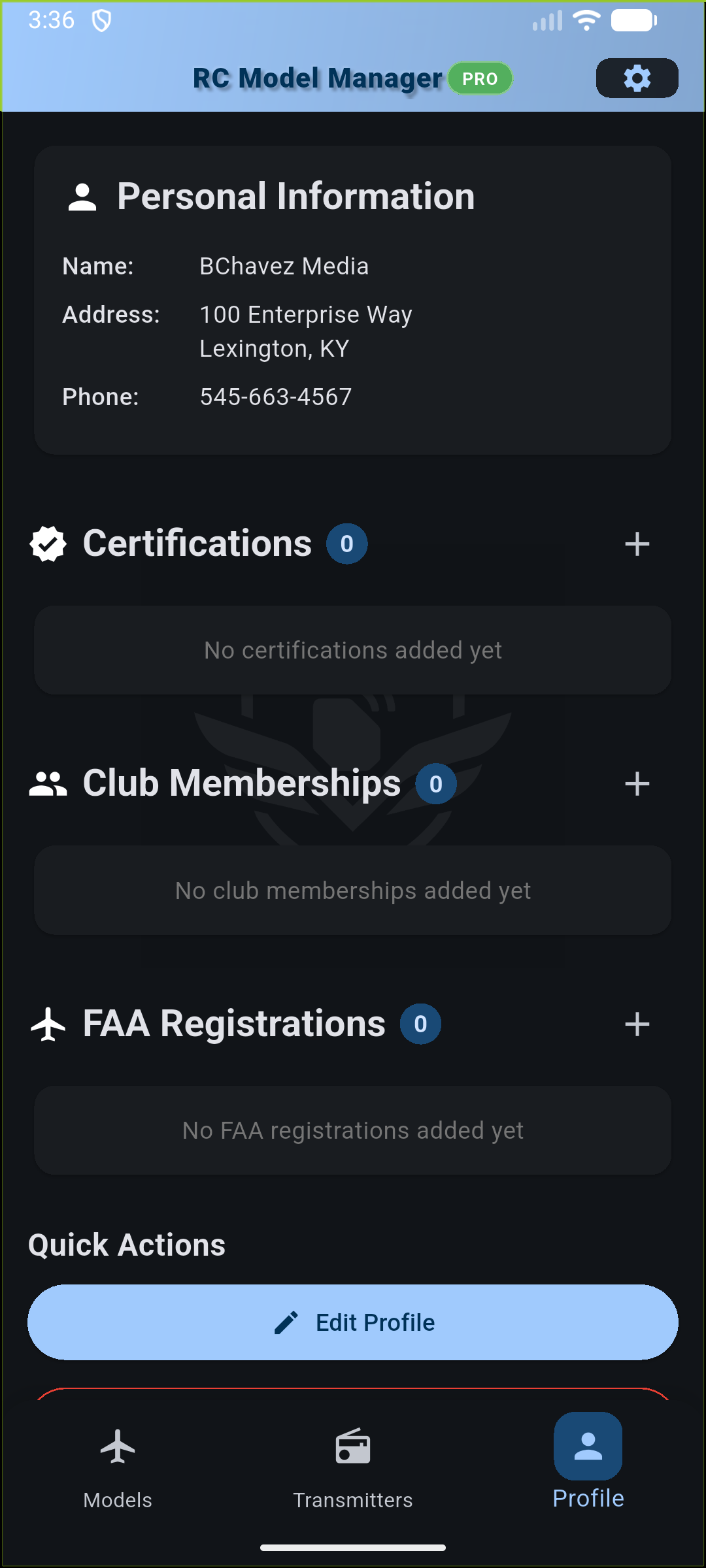
The same app on iPhone, iPad, Android, Windows and Mac. Set things up at your desk, then take it all with you to the field or track.
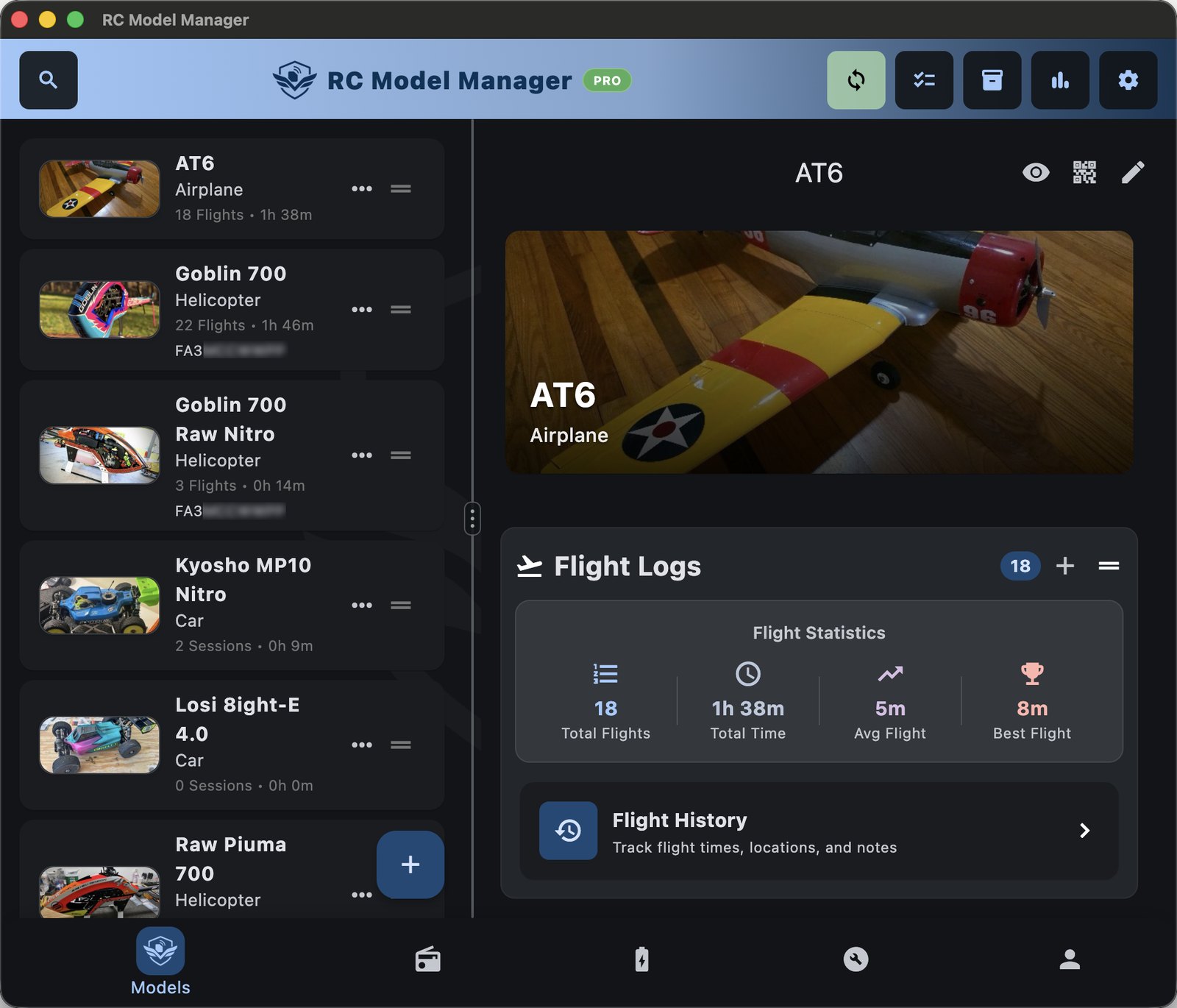
A full-size screen for building out your models, components, setups and maintenance plans.
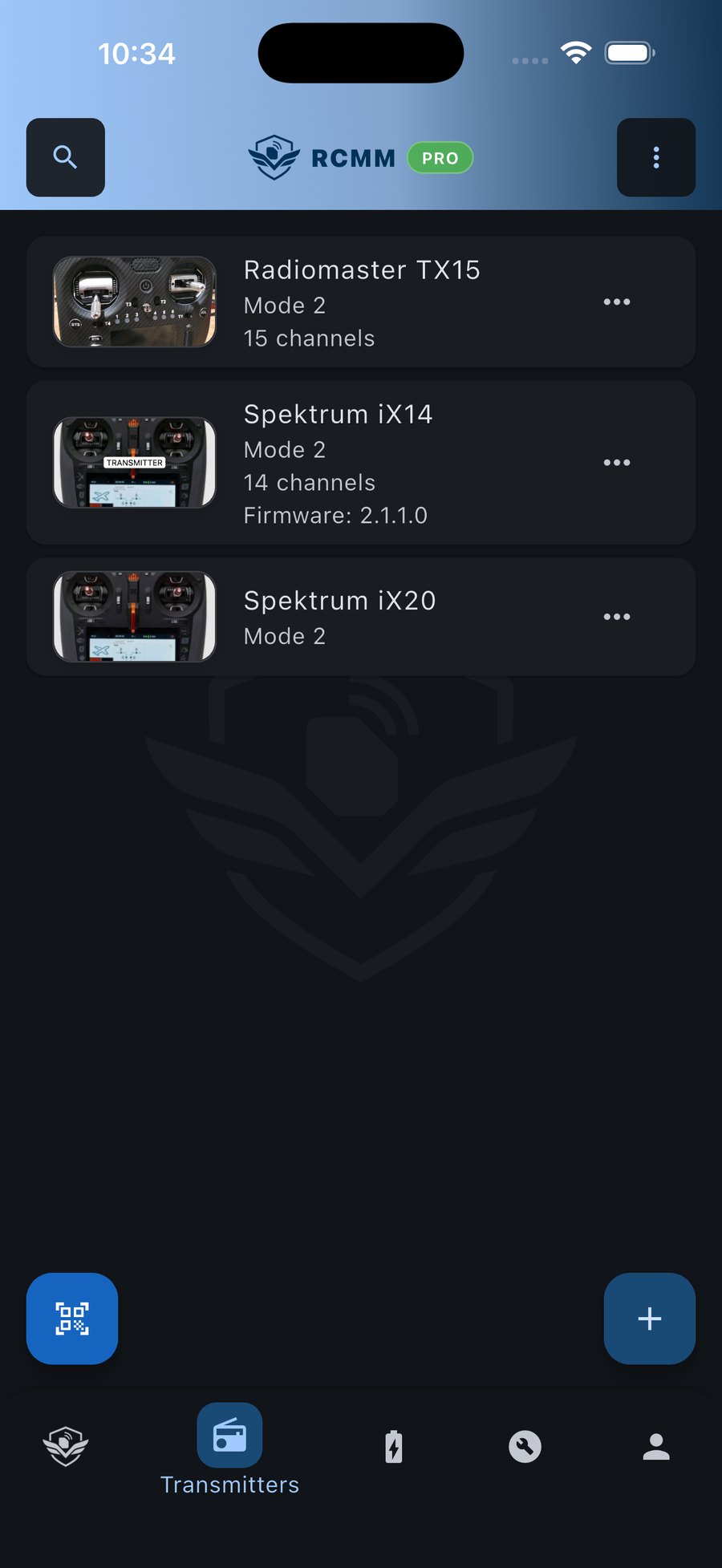
Look up a model, scan a QR code, run your preflight and log the session from your phone or tablet.

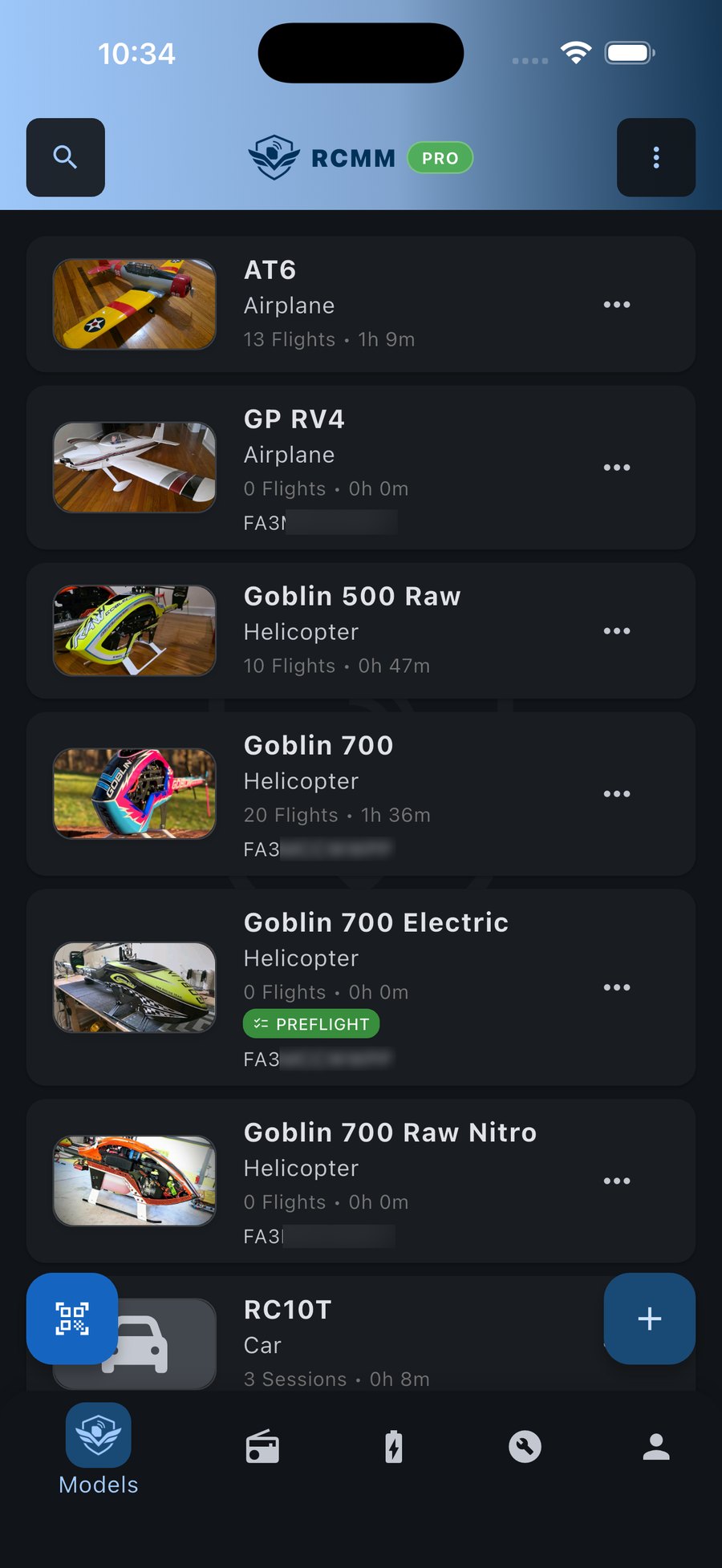
Everything about your models in your pocket, on iPhone and iPad.

Airplanes, helicopters, drones, cars and more. Keep specs, transmitter assignments, switch notes, setup sheets, photos and config files with each model.
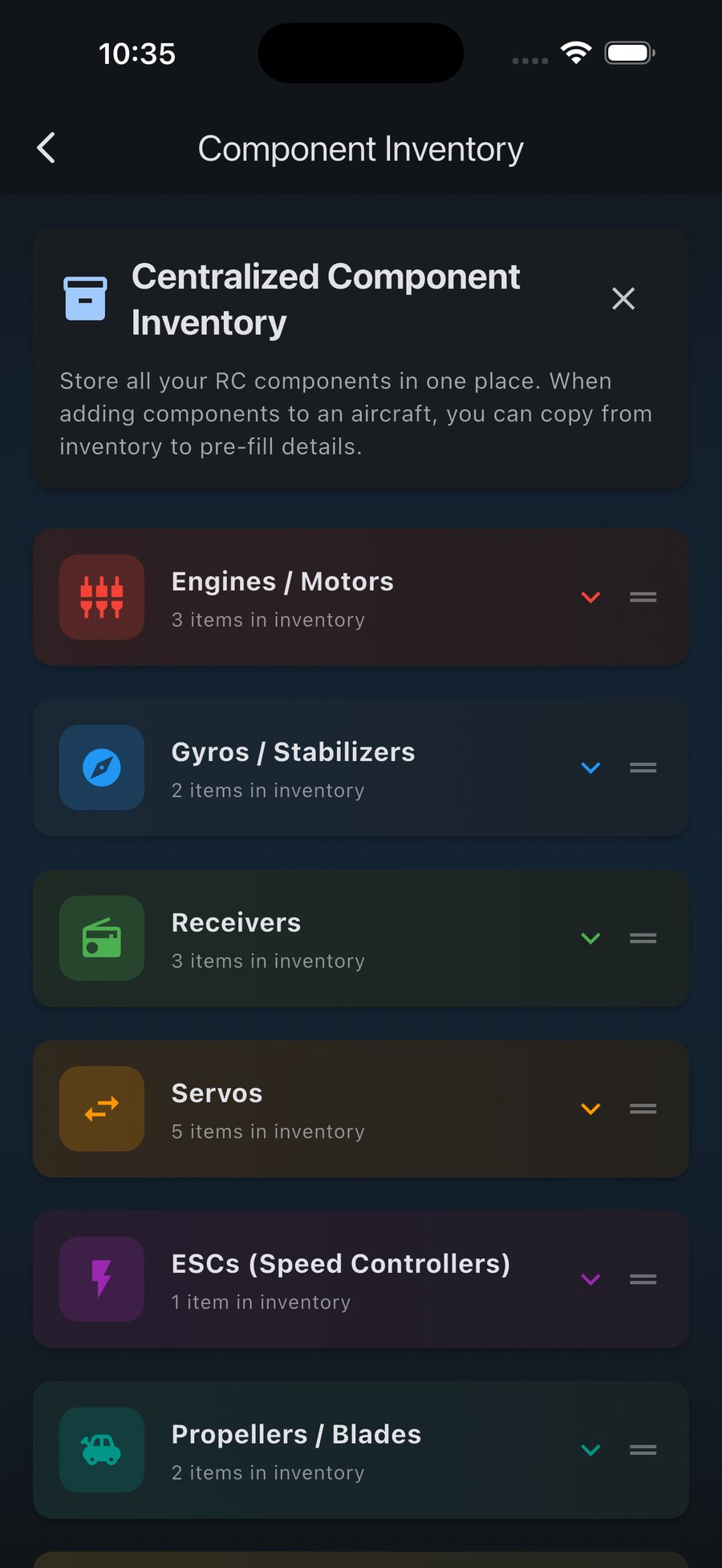
Track receivers, servos, ESCs, motors and flybarless units on their own, so you can see which model each one is in and where it's been before.
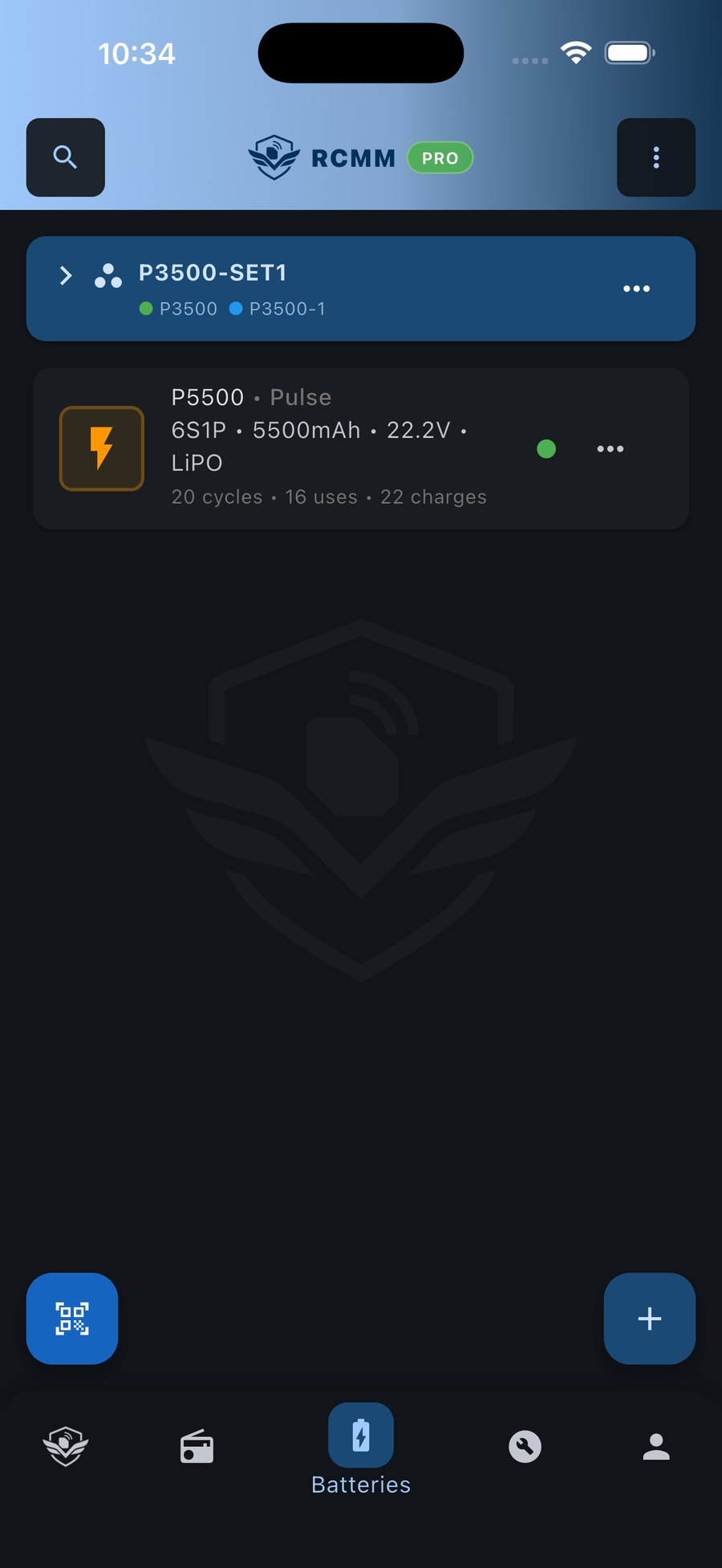
Track cycles, internal resistance, charge history and which models each pack goes with. Voltages are calculated from chemistry and cell count.
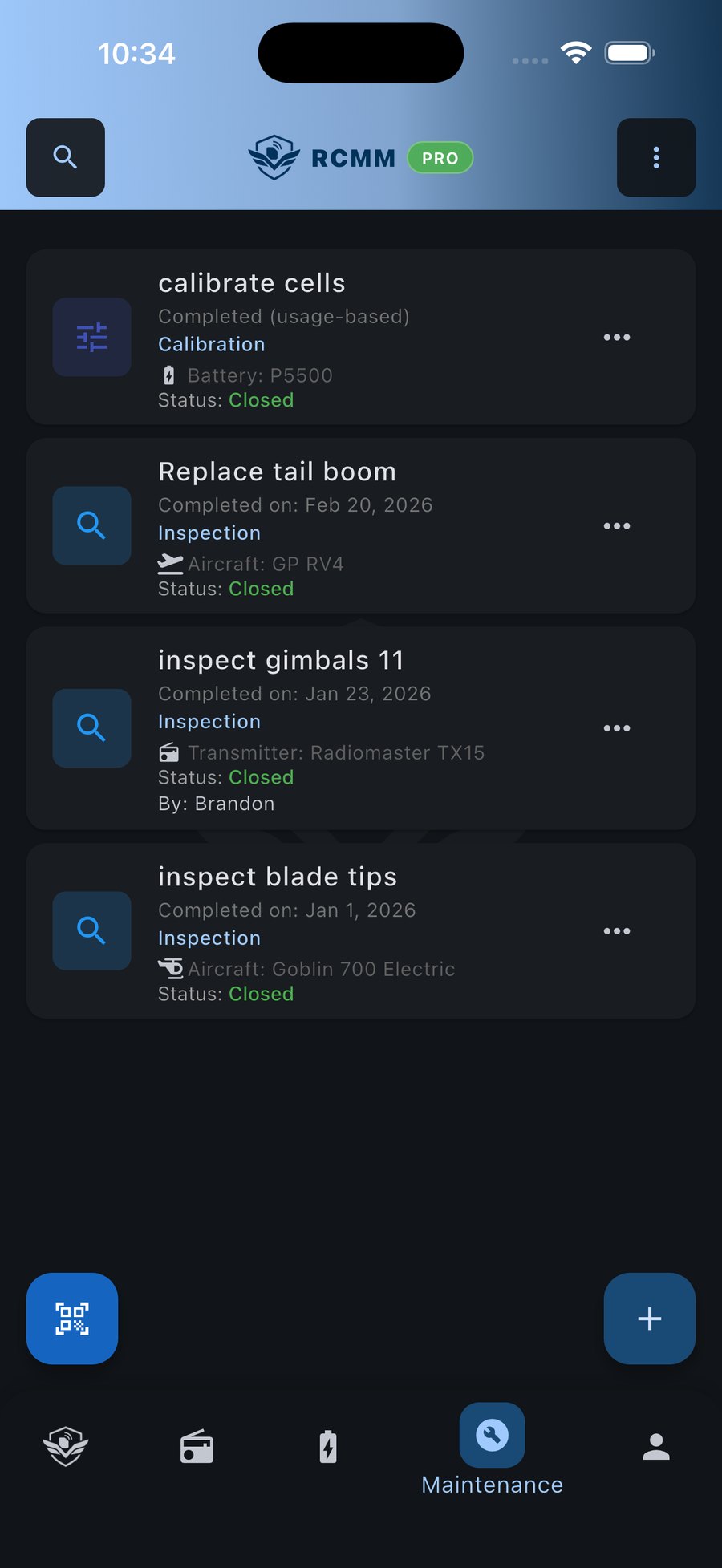
Log inspections, repairs, replacements and firmware updates. Set reminders by date, flight count or hours, including recurring ones.
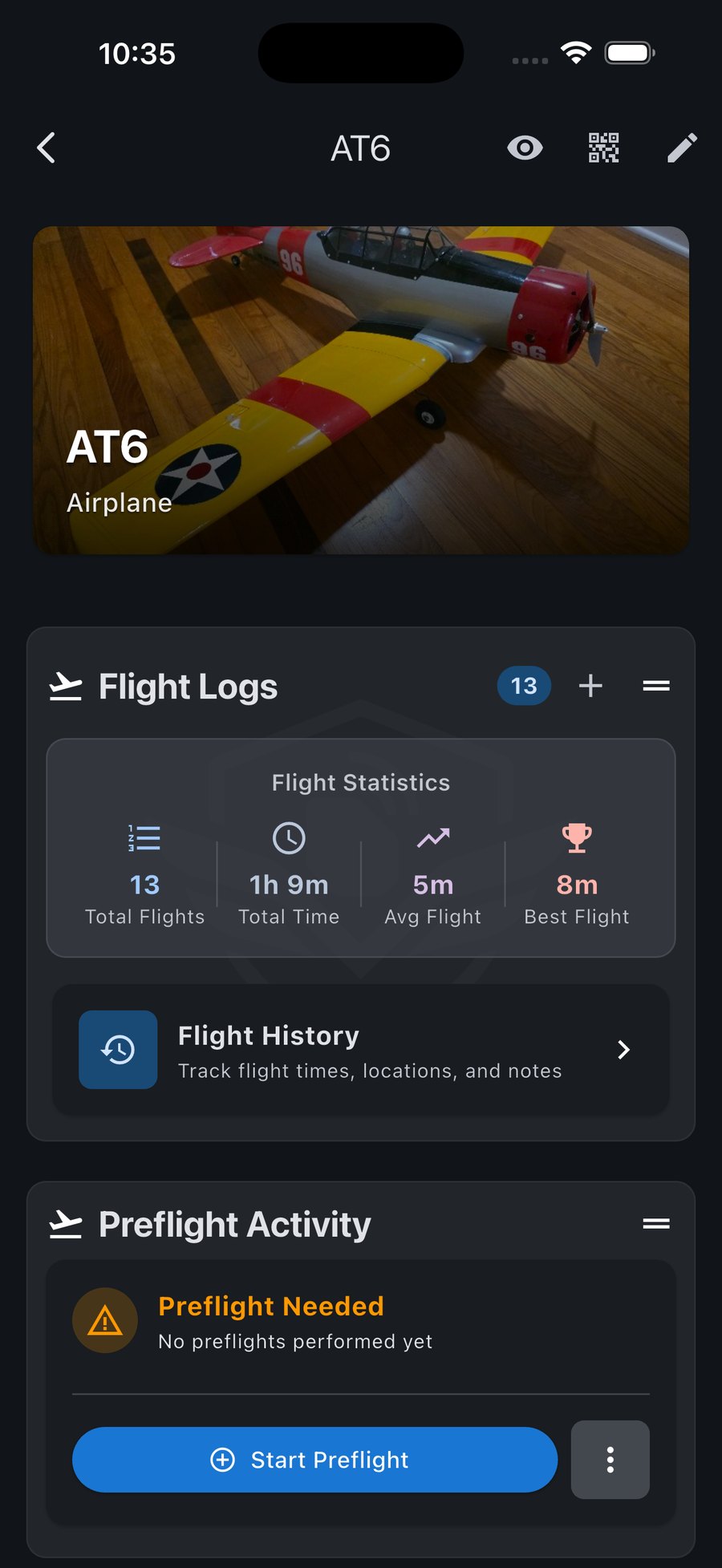
Build a preflight checklist once and use it every time. Make pack-up lists for field days and race days too.
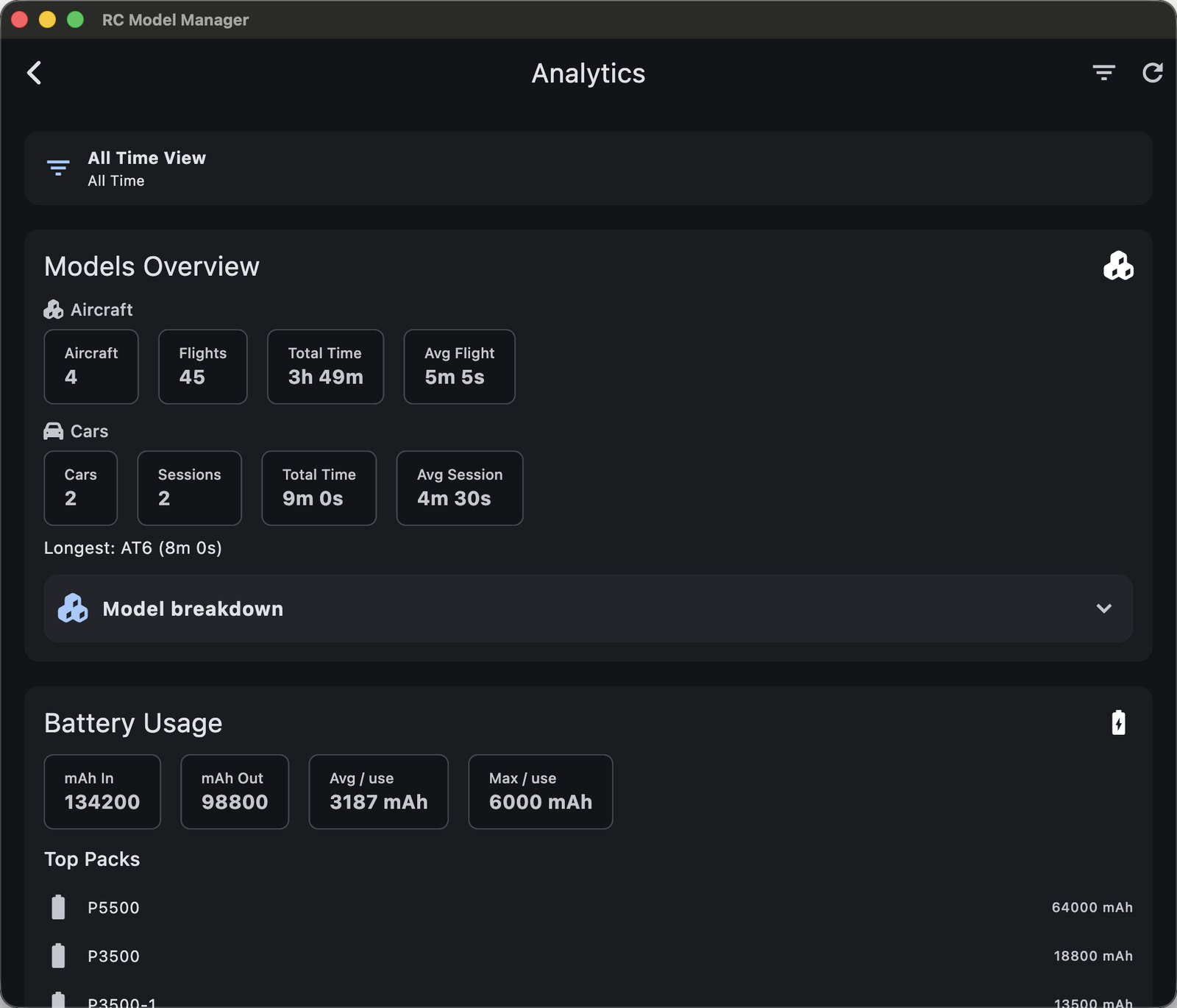
Log flights and runs, matched to your saved flying fields and tracks by GPS. See usage across your whole fleet.
One question we hear a lot: “What can this do that I can't do with pen and paper?” RC Model Manager isn't meant to give you more paperwork. Write something down once, and it's there whenever you need it, on whatever device you have with you.
Write down switch functions, servos, receivers, ESCs, firmware and setup sheets once. They'll be there the next time you need them.
Build your preflight once and use it every time. Pack-up checklists cover tools, batteries, chargers, tires and parts, whether you're headed to the field or a race.
You keep service records for your car. Your $3,000 helicopter deserves them too. Get reminders by date, flights or hours, and keep a history of every repair and part swap.
GPS picks your saved flying field or track, battery voltages are calculated for you, and your data syncs between devices. The app is built to save you typing.
Set up your models, components and setups on your computer, where there's room to work.
Pull it all up on your phone. Scan a QR code, run your preflight and log the session. The location fills itself in.
Whatever you logged at the field is already on your desktop, with nothing to copy over.
Cloud sync across all your devices is included with PRO.
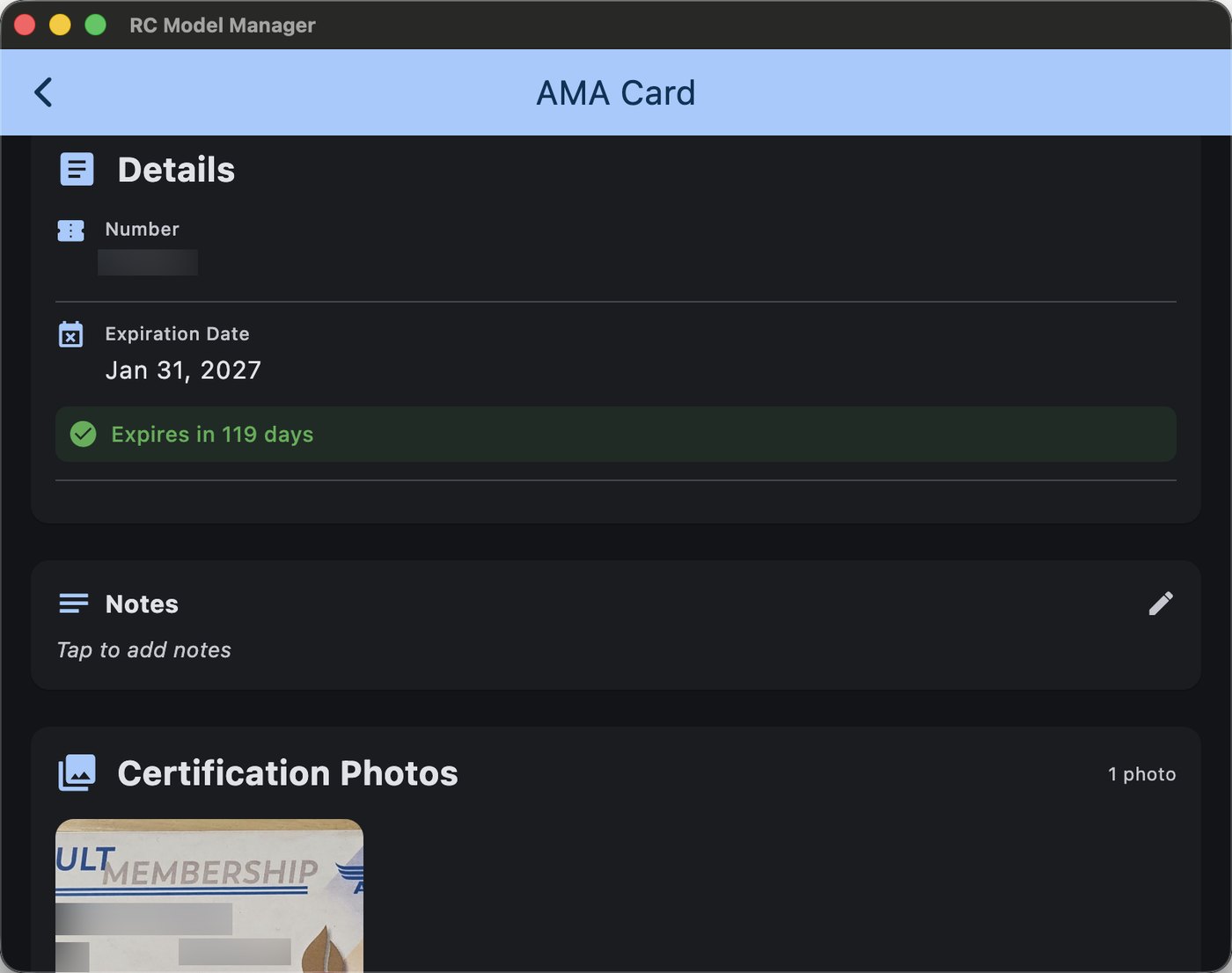
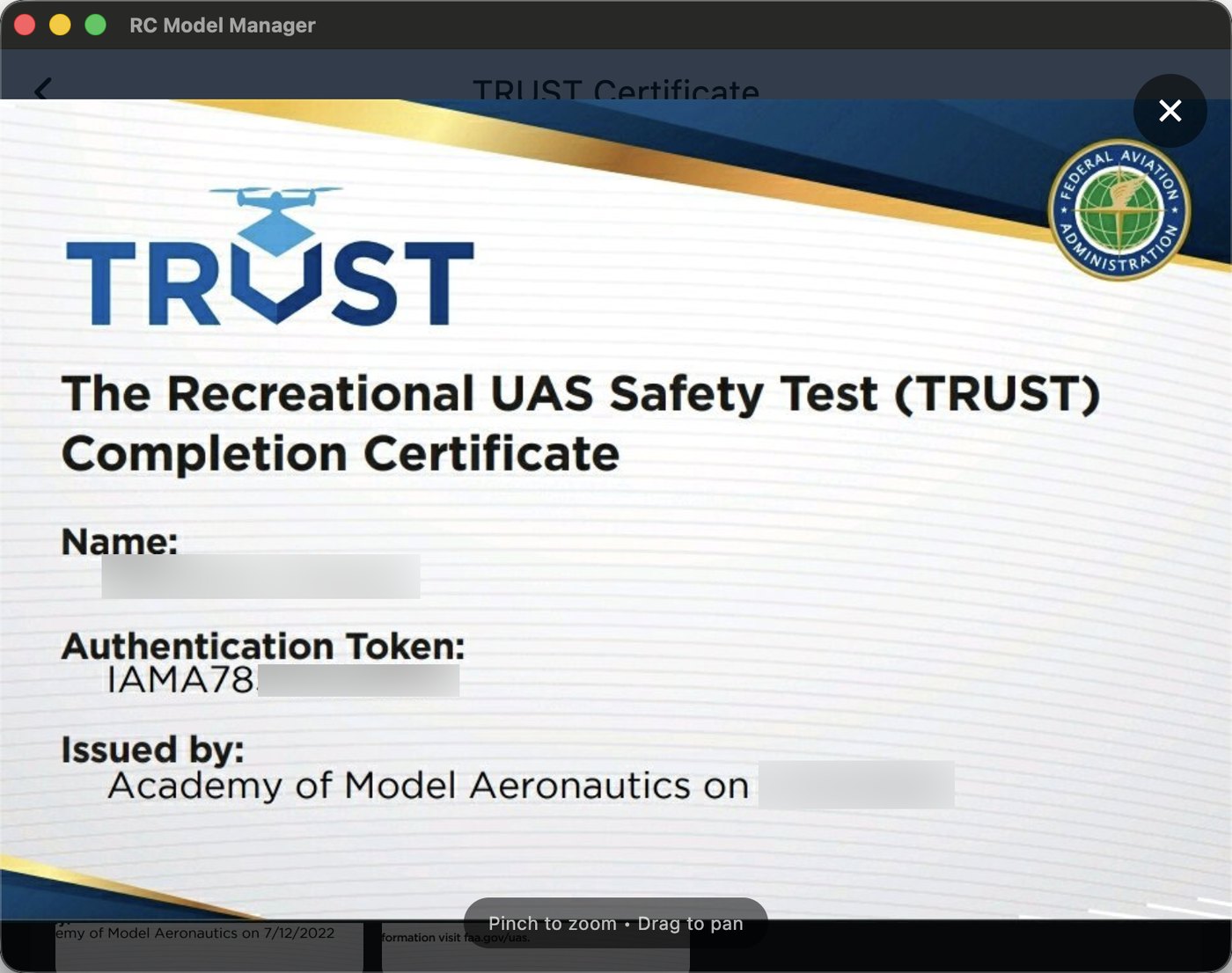
Save photos of your AMA membership, TRUST certificate, Part 107 and club cards along with their numbers and expiration dates. They're on your phone when someone at the field asks, and you can see at a glance when each one expires.
Try it free. When you're ready, unlock
Start free on any platform. Upgrade to PRO whenever you're ready.
Windows 10 & 11
M1, M2, M3, M4+ Chips
macOS 11+
2015-2020 Intel Macs
macOS 10.14+
Everything you need to know about RC Model Manager
RC Model Manager keeps track of the details of your RC hobby so you don't have to remember them: your airplanes, helicopters, drones and cars, plus their components, transmitters, batteries, setups, maintenance, checklists and sessions. It runs on your phone and your computer.
Pen and paper can hold the information, but it's never with you when you need it. RC Model Manager is on your phone at the field and on your computer at home. It knows which components are in which model, reminds you when maintenance is due, fills in your flying field by GPS, and pulls up a model when you scan its QR code.
Your data automatically syncs across all your devices when you sign in. Changes made on your phone appear instantly on your desktop, and vice versa. Your RC data stays perfectly synchronized wherever you are.
RC Model Manager works on Windows (10/11), macOS (10.14+), Android (6.0+), and iOS (14.0+). The app is designed to work seamlessly across all your devices with consistent functionality.
Absolutely. All data is encrypted in transit and at rest. We use industry-standard security practices and never share your personal information. Your RC fleet data remains private and secure.
Windows: Download the ZIP file, extract to any folder, double-click the .exe to run. May show security warning - click "More info" then "Run anyway".
macOS: Download the DMG file and drag to Applications.
Android: Install from the Google Play Store.
FREE: Up to 3 models, 1 transmitter, 1 checklist and 3 maintenance actions
PRO: Unlimited models & transmitters, component inventory, setup sheets, checklist templates & preflight, unlimited maintenance, cloud sync, photo attachments, configuration storage, premium support, priority updates
PRO feature allowing you to attach photos to aircraft, components, and maintenance records. Perfect for documenting repairs, modifications, or simply keeping visual references of your RC fleet.
FREE users: Community support, documentation
PRO users: Priority email support with 24-hour response time, direct access to developers, beta features access
Can't find what you're looking for? Contact our support team.
Have questions about RC Model Manager PRO? Need help with your license? We're here to help!
For questions about the app, features, or general help
Priority support for PRO license holders
Partnerships, licensing, or business opportunities
Report bugs or technical problems
This site is protected by reCAPTCHA and the Google Privacy Policy and Terms of Service apply.
View our App Privacy Policy.
PRO Customers: 24-hour response time
General Inquiries: 48-72 hour response time
Business Inquiries: Within 1 business day

Processing your payment...
Welcome to RC Model Manager PRO
XXXX-XXXX-XXXX-XXXX
A copy has been sent to your email